What is a Dedicated Server? Pros, cons and when to use one in 2026
A dedicated server is the entire physical machine reserved just for you — maximum performance, 100% control. Ideal for enterprises, demanding applications and game servers.
Triplify CloudPublished April 25, 202611 min readUpdated May 4, 2026
What is a dedicated server
A dedicated server (or bare-metal server) is a complete physical machine rented by one customer — no sharing of hardware. Every CPU cycle, RAM stick, SSD and network port belongs to you 100%, delivering maximum performance and full control.
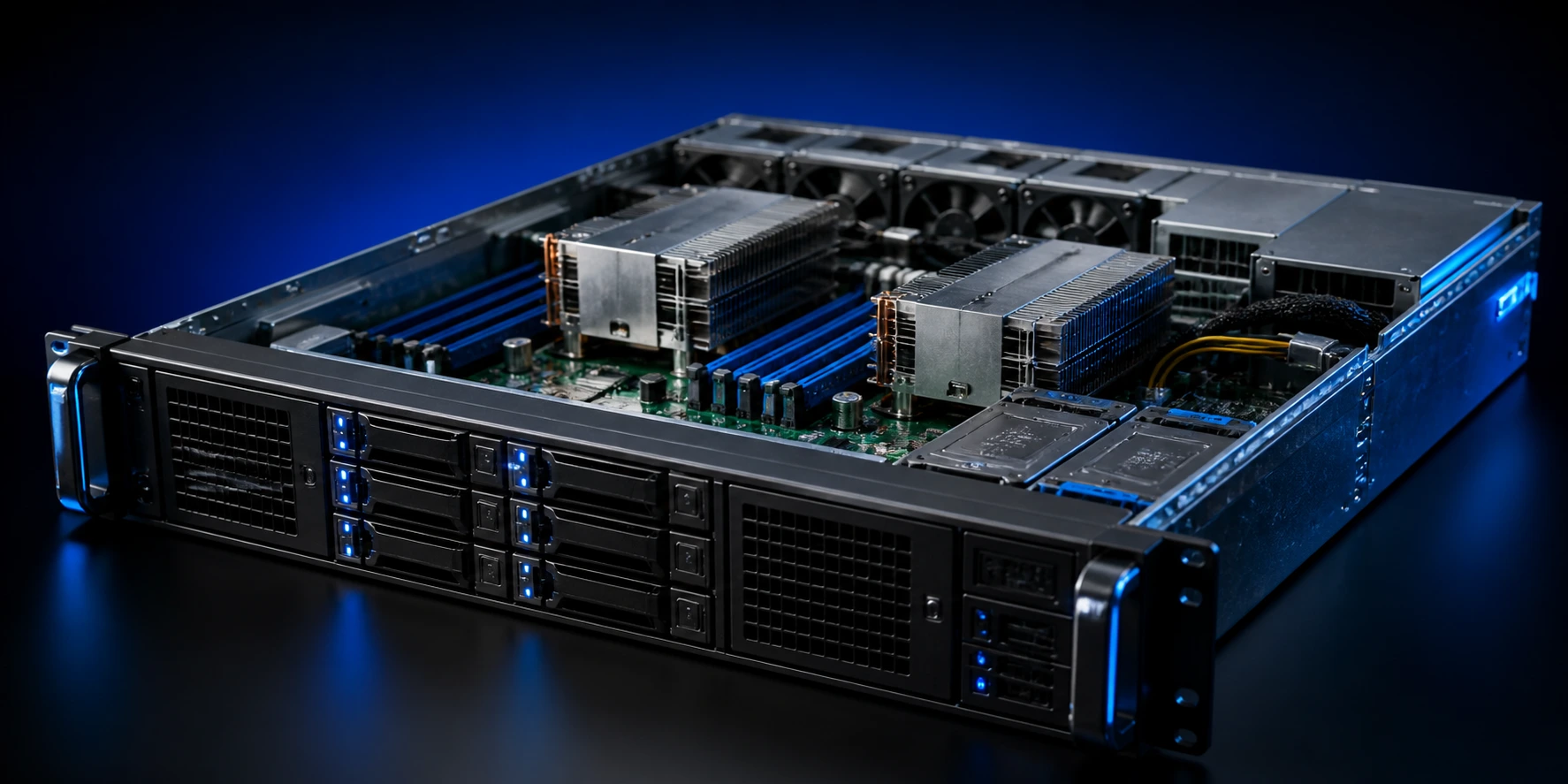
Dedicated server in a Tier III data center rack
How a dedicated server works
1The provider installs server hardware (Dell, HPE, Supermicro) in a data center.
2The customer chooses CPU, RAM, storage and network specs.
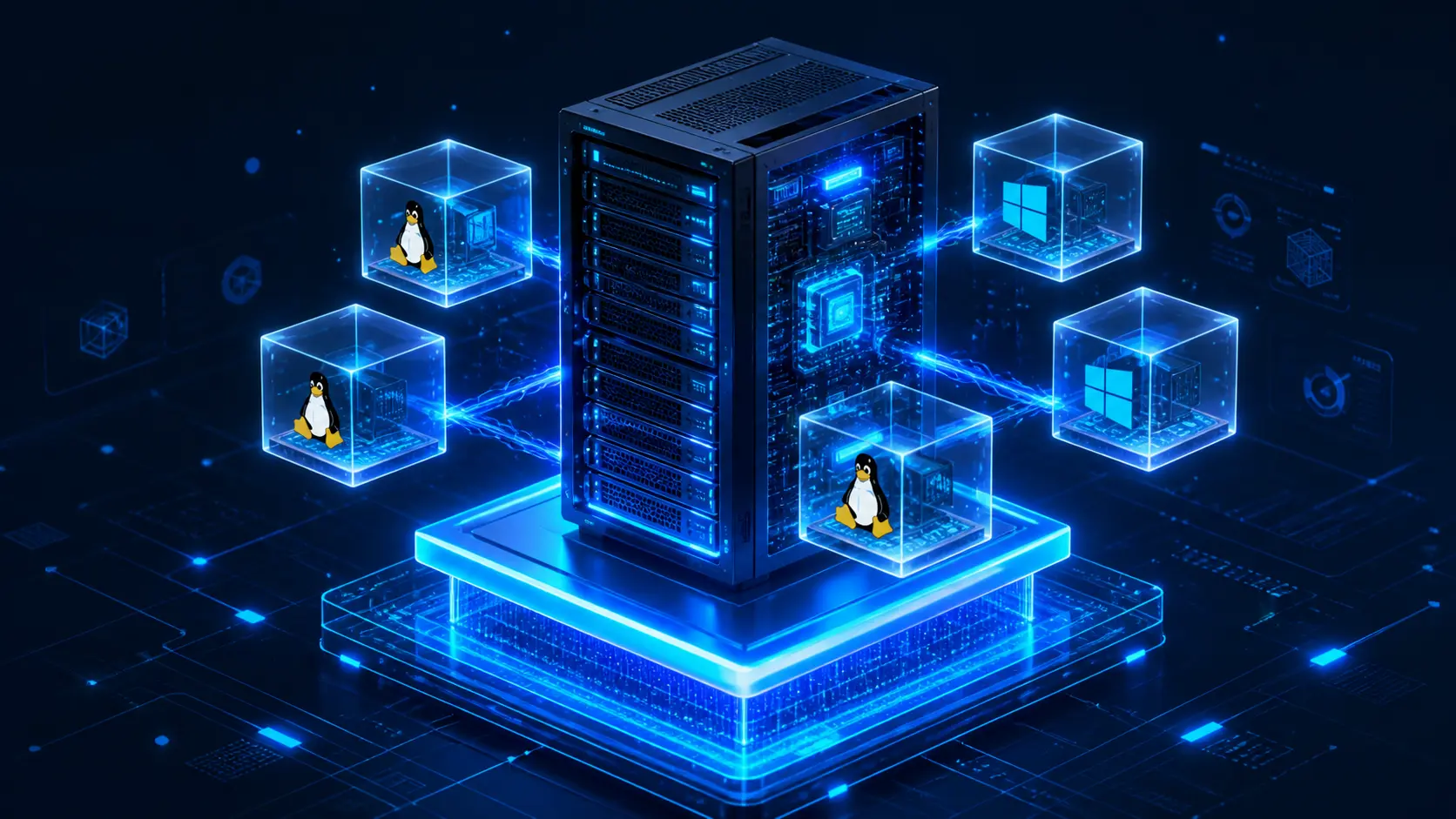
3The customer's preferred OS is installed (Linux, Windows Server, VMware ESXi).
4The customer receives root access, dedicated IP addresses and IPMI console for remote management.
5The customer freely installs software, configures the firewall and scales as needed.
Pros and cons of dedicated servers
Pros
Maximum performance — full CPU, RAM and storage with no sharing.
100% control — install anything, tune kernel, BIOS and RAID.
Strong security — physically isolated from other tenants, reducing cross-tenant risk.
Compliance friendly — suited for PCI-DSS, ISO 27001, PDPA and HIPAA workloads.
Consistent performance — no noisy-neighbour issues.
Cons
Higher price — starts at ฿4,500/month.
Slower scaling — hardware changes can take hours to days.
Requires technical skill — you manage OS, patching and security (or pick managed).
Less elastic than cloud — you pay for the full month even if idle.
Dedicated Server vs VPS vs Cloud Server
Attribute
VPS
Cloud Server
Dedicated
Hardware
Shared (isolated)
Cluster
Fully dedicated
Performance
Good
Very good
Highest
Scalability
Manual resize
Auto-scale
Hardware swap
Starting price
฿299
฿500
฿4,500
Setup time
60 s
Instant
2–24 h
Hardware control
No
No
100%
Three options compared
Common specs in 2026
Tier
CPU
RAM
Storage
Network
Entry
Intel Xeon E-2388G (8C/16T)
32 GB DDR4
2 × 1 TB NVMe
1 Gbps
Standard
AMD EPYC 7443P (24C/48T)
64 GB DDR4
2 × 1.92 TB NVMe
10 Gbps
Performance
Dual Xeon Gold 6338 (32C/64T × 2)
128 GB DDR4
4 × 3.84 TB NVMe
10 Gbps
Enterprise
AMD EPYC 9654 (96C/192T)
256–512 GB DDR5
4 × 7.68 TB NVMe
25 Gbps
Best use cases
Large database servers — PostgreSQL, Oracle, MS SQL — needing high I/O.
Game servers requiring low latency at scale.
Video streaming and transcoding (CPU/GPU heavy).
AI/ML training servers requiring dedicated GPUs.
Large-scale e-commerce with seasonal traffic spikes.
SaaS / enterprise applications with compliance needs.
Virtualization hosts for VMware, Proxmox or Hyper-V.
Dedicated server pricing in 2026
Pricing depends on CPU, RAM, storage and bandwidth. Typical bands include:
Tier
Price/mo
Notes
Entry (Xeon E, 32 GB)
฿4,500 – ฿7,000
SME workloads
Standard (EPYC 24C, 64 GB)
฿9,000 – ฿13,000
General production
Performance (Dual Xeon, 128 GB)
฿15,000 – ฿22,000
Heavy databases
Enterprise (EPYC 96C, 256 GB+)
฿28,000+
AI, big data
Triplify Dedicated Server
Latest Dell PowerEdge, HPE ProLiant and Supermicro hardware.
Intel Xeon Gen 4 / AMD EPYC 9000 series CPUs.
Enterprise NVMe SSD with hardware RAID controllers.
10 Gbps unmetered domestic bandwidth.
20 Gbps anti-DDoS protection included.
IPMI web console with 24/7 remote reboot.
Optional managed services — OS, patching and monitoring handled for you.
99.9% uptime SLA with 4-hour hardware replacement.
Frequently asked questions
Dedicated server vs colocation — what is the difference?
Dedicated = you rent the provider's hardware (no upfront purchase). Colocation = you bring your own hardware to the data center and just rent space.
Do I need an IT team to operate one?
If you choose unmanaged, yes. If not, our managed dedicated plan covers OS, security and backups around the clock.
Can I upgrade specs?
Adding RAM or disk takes 2–4 hours. CPU upgrades require a new server and data migration (4–24 hours).
Do you bundle Windows Server licences?
Yes — Windows Server 2022 Standard / Datacenter add-ons start at ฿1,500/month.
Is a dedicated server overkill for a typical WordPress site?
Usually yes — a VPS or cloud hosting is enough. Move to dedicated when you exceed 500,000 monthly visitors or run a heavy WooCommerce store.
A deep dive on colocation — why enterprises choose to host their own servers in a data center, plus a comparison with on-premise and dedicated server hosting.
Thailand is becoming ASEAN's next data center hub — the key investment figures, why hyperscalers are choosing Thailand, upcoming regulations, and what businesses should do now.